1
Paper sizes available
Convert any webpage to a beautifully formatted PDF with three flexible export modes. Choose Full Page for complete captures, Article for clean reading, or Element Selection for precise control. Customize paper size, margins, and more.
 Add To Chrome
 Add to Edge
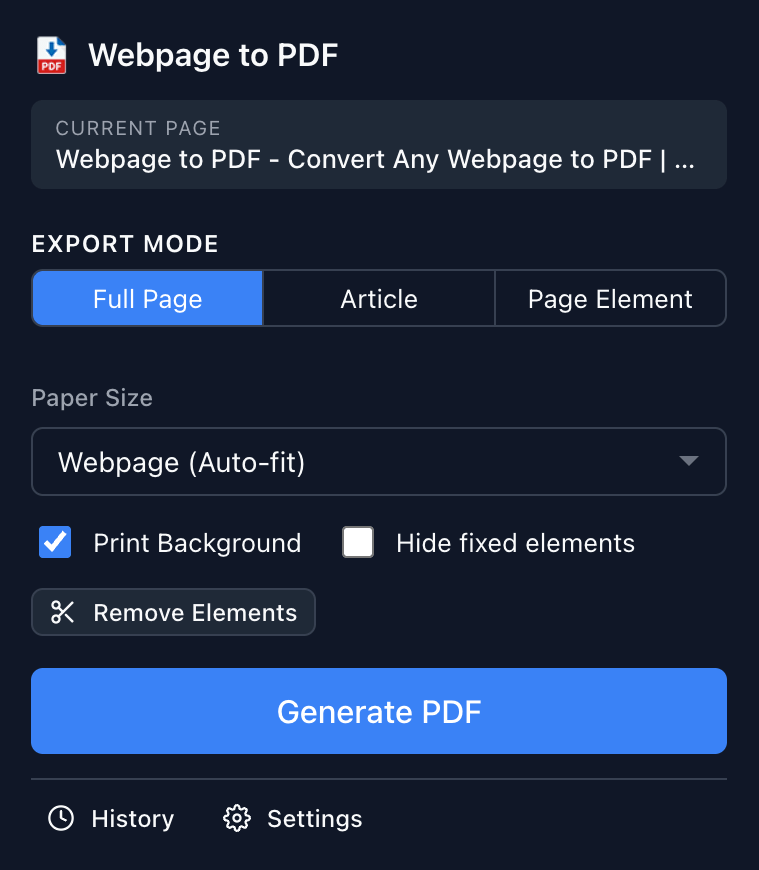
Tired of messy webpage printouts and inconsistent PDF conversions? Webpage to PDF gives you complete control over how web pages are converted to PDF. With three powerful export modes, smart element removal, and extensive customization options, you can create professional-quality PDFs from any webpage in seconds.

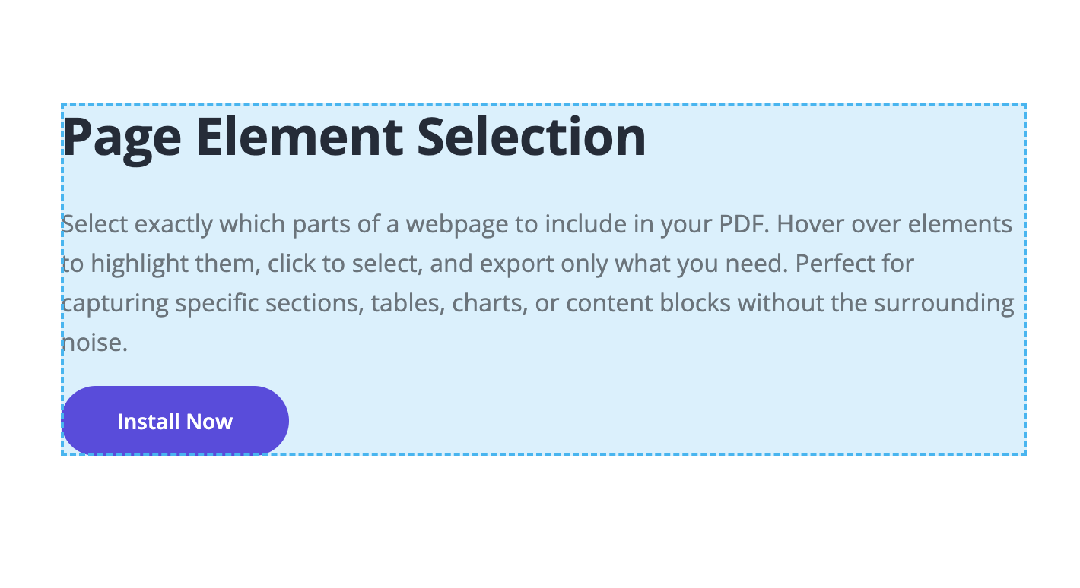
Full Page mode captures the entire webpage including lazy-loaded content. Article mode uses Mozilla Readability to extract clean, readable content with code highlighting. Element Selection mode lets you pick specific DOM elements to export.

Click to hide any distracting elements — ads, sidebars, popups, cookie banners — before converting. Use Ctrl/Cmd+Z to undo removals. Get clean, professional PDFs every time.

Free users get 3 paper sizes (A4, Letter, Webpage). PRO users unlock all 10 paper sizes (A3, A5, Legal, Tabloid, B5 and more), set orientation, adjust margins, control scale, and configure headers/footers.
Capture entire web pages including dynamically loaded content. Webpage to PDF intelligently scrolls through the page to ensure all lazy-loaded images and content are captured. The result is a pixel-perfect PDF that preserves the original layout, colors, and formatting of any webpage.
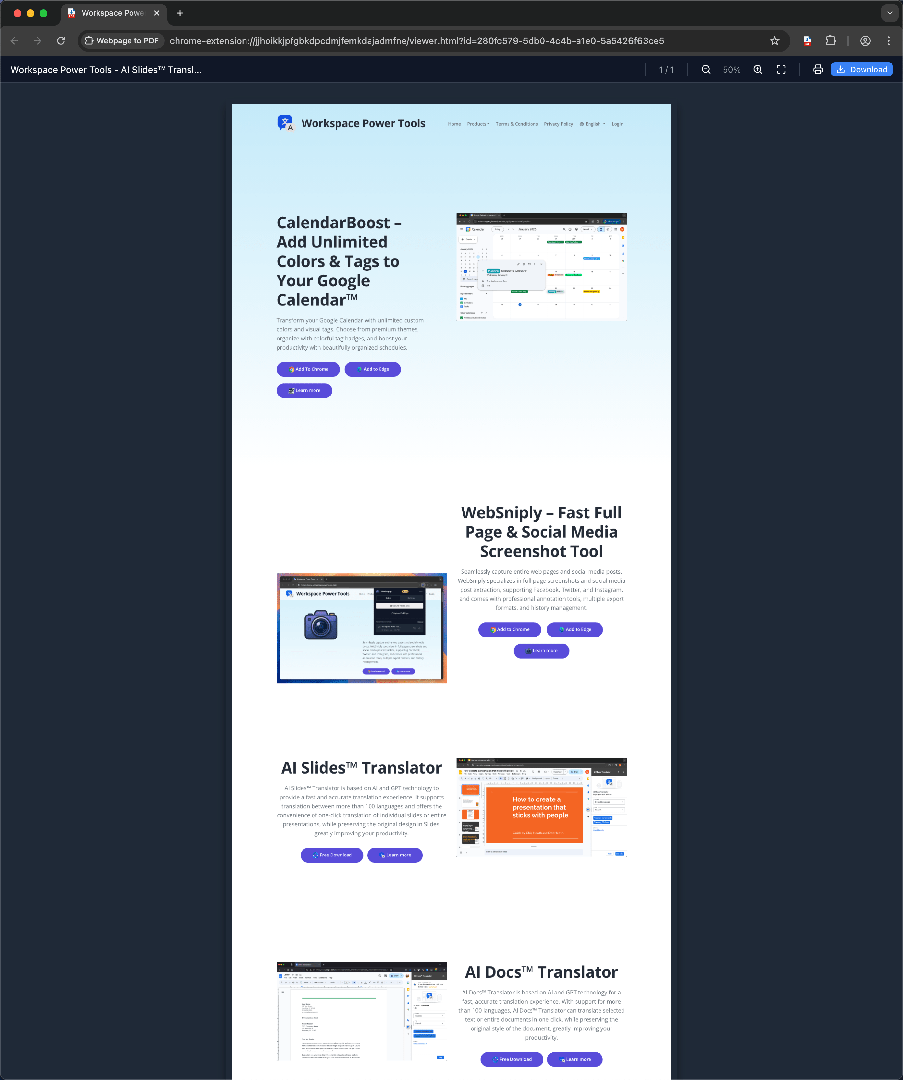
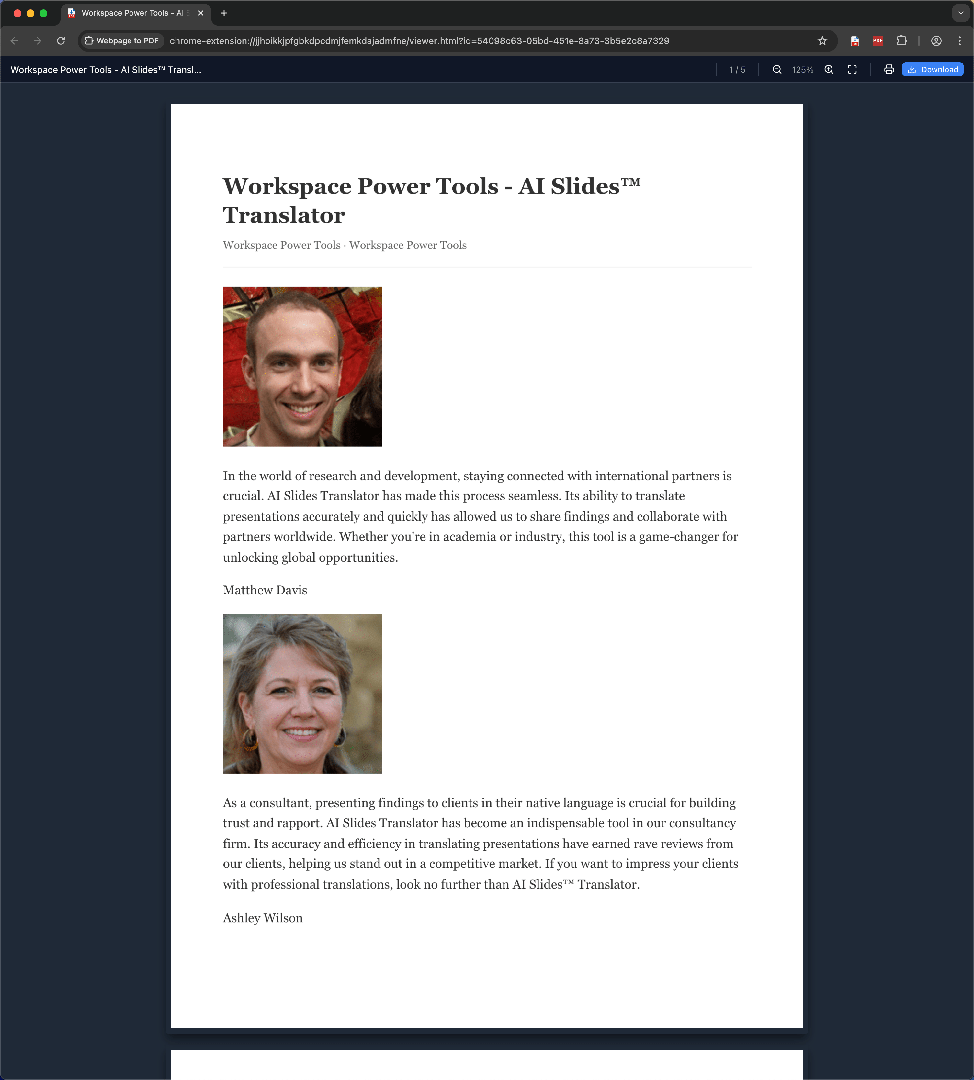
Extract the main article content from any webpage using Mozilla Readability technology. Perfect for saving blog posts, news articles, and technical documentation. Article mode automatically strips navigation, ads, and sidebars, leaving only the essential content. Code blocks are beautifully highlighted with support for 15+ programming languages including JavaScript, Python, Java, and more.
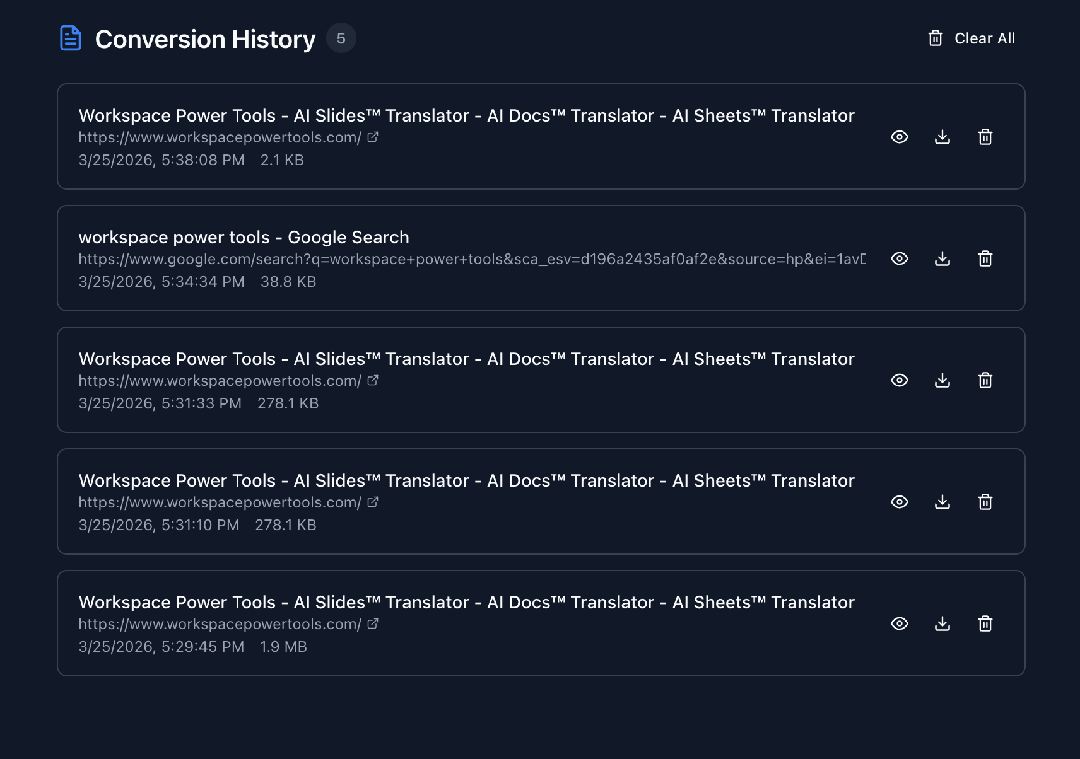
Preview your PDFs instantly with the built-in viewer featuring zoom controls and page navigation. All conversions are automatically saved to your history with IndexedDB storage, so you can revisit and download previous PDFs anytime. PRO users enjoy unlimited history records.
Paper sizes available
Languages supported
Export modes

I save competitor landing pages and industry reports as PDFs almost every day. The full page capture gets everything, even lazy-loaded images at the bottom. Before this I was taking multiple screenshots and stitching them together — never going back to that.

Article mode is perfect for saving API docs and Stack Overflow threads without all the sidebar clutter. Code blocks keep their syntax highlighting too, which was a nice surprise. It's become part of my daily workflow for archiving technical references.

Being able to remove cookie banners and pop-ups before converting is the feature that sold me. Our team shares web research as PDFs in Slack, and they come out looking really clean. The element selection is great when I just need a specific chart or table.

I use Article mode constantly for archiving source material. It strips out all the ads and navigation, leaving just the article text formatted nicely. The conversion history is a lifesaver — I can always pull up something I saved last week without digging through folders.

This is my go-to for capturing design inspiration and competitor analysis. I can select specific UI sections with the element picker, and the custom paper sizes mean my research decks actually look polished. Way better than the browser's built-in print-to-PDF.

I prepare reading materials for my students by converting online articles and resources to PDF. The margin settings ensure everything prints neatly on standard paper, and the built-in viewer lets me check the output quickly. Works reliably across all kinds of websites.
Start for free – upgrade to remove the logo watermark and unlock all paper sizes.
Ready to convert web pages to beautiful PDFs? Install Webpage to PDF now and start creating professional-quality PDFs in seconds!
Install NowCopyright © Workspace Power Tools